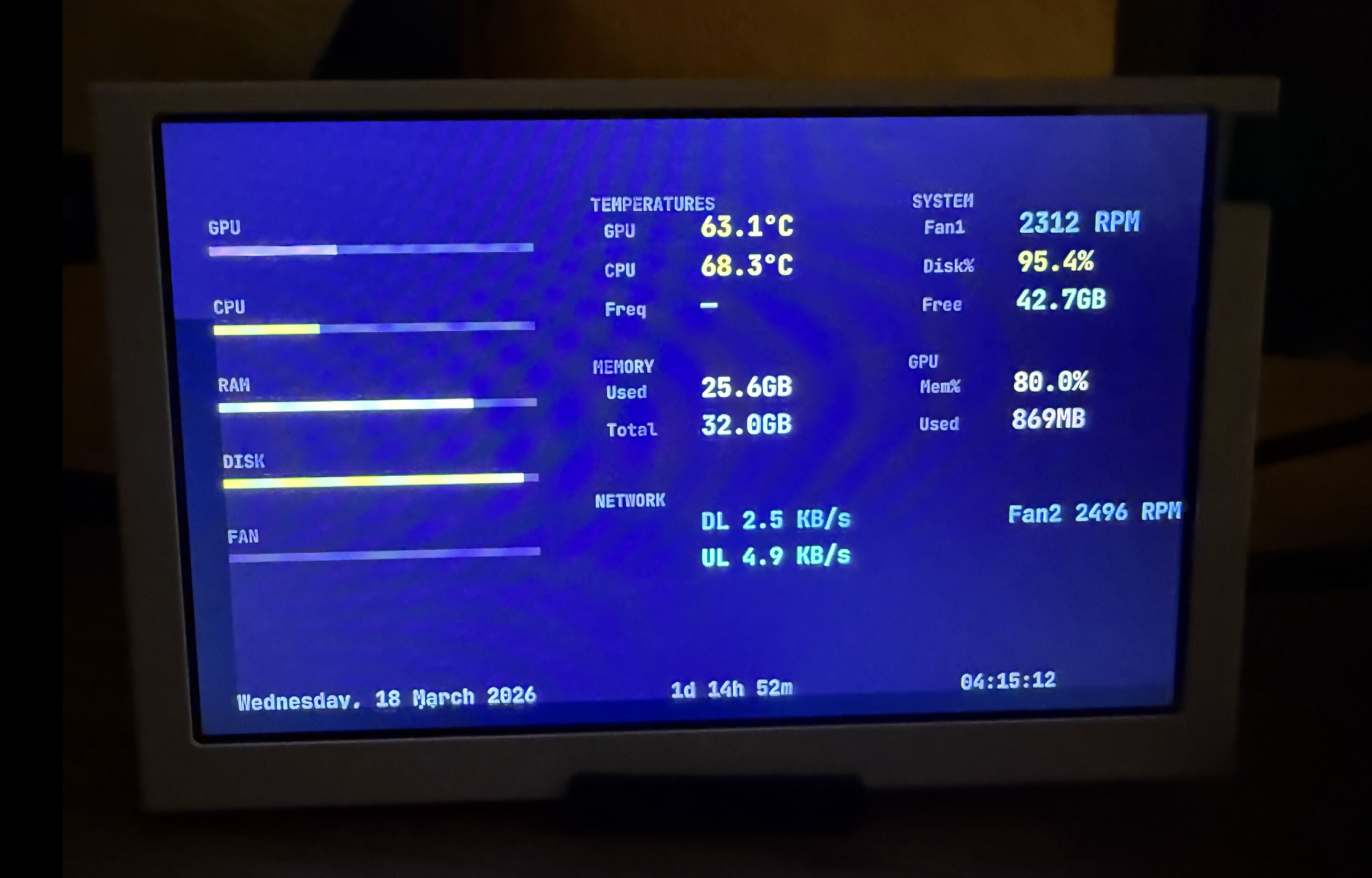
Writing a Go Driver for a 5-Inch USB Display
Found a Turing Smart Screen in a drawer. Fixed the Python project's Apple Silicon sensors. Then rewrote the whole thing in Go.
I bought a 5-inch Turing Smart Screen off Temu for my gaming rig. Never got round to fitting it. Found it again having a clear out. No macOS support from the manufacturer.
There’s an open source Python project for it though. Got it running. Half the sensors were blank on Apple Silicon.
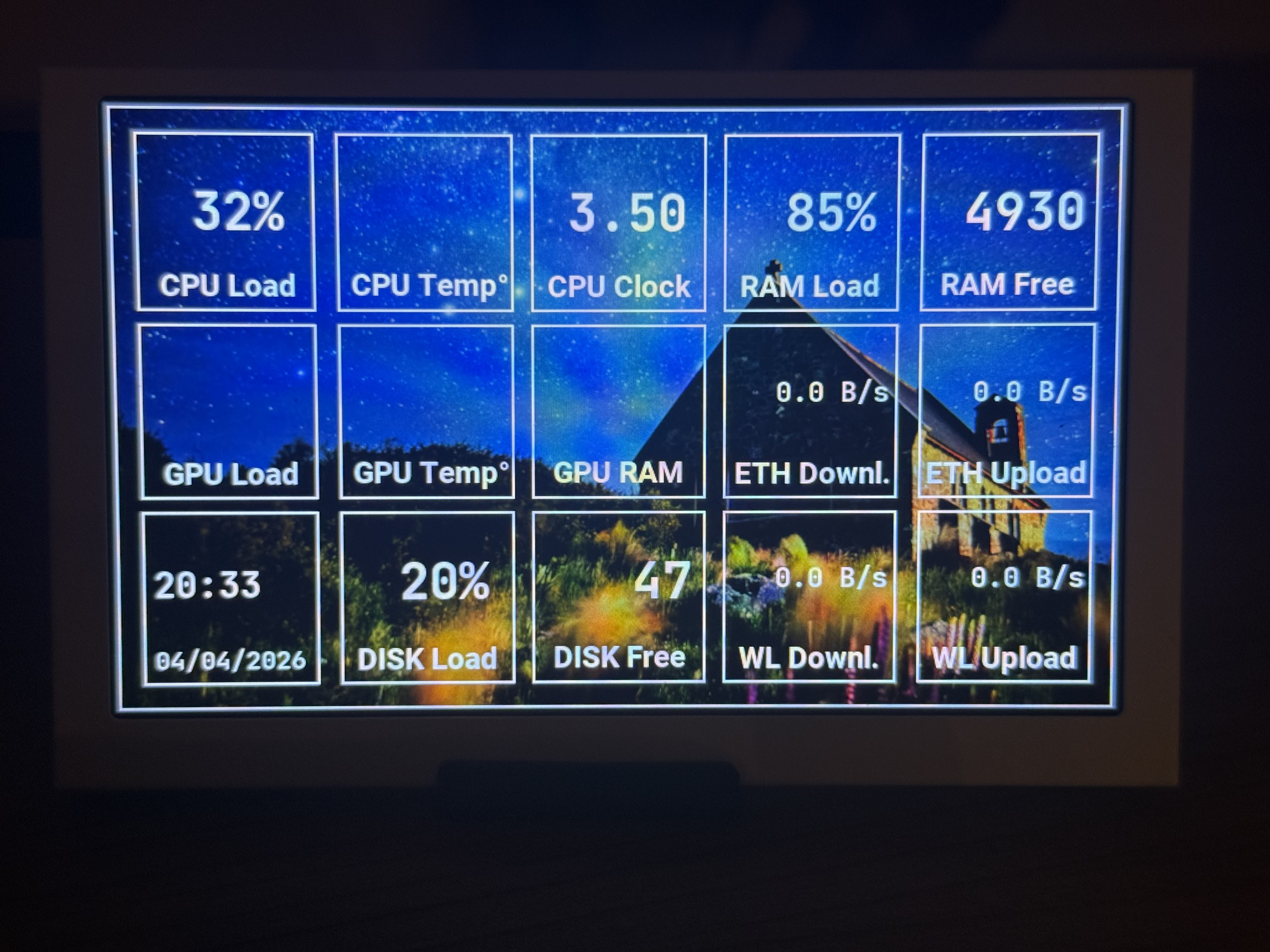
So I wrote the SMC, IOReport, and AGX sensor code to fill them in. PR’d it upstream.
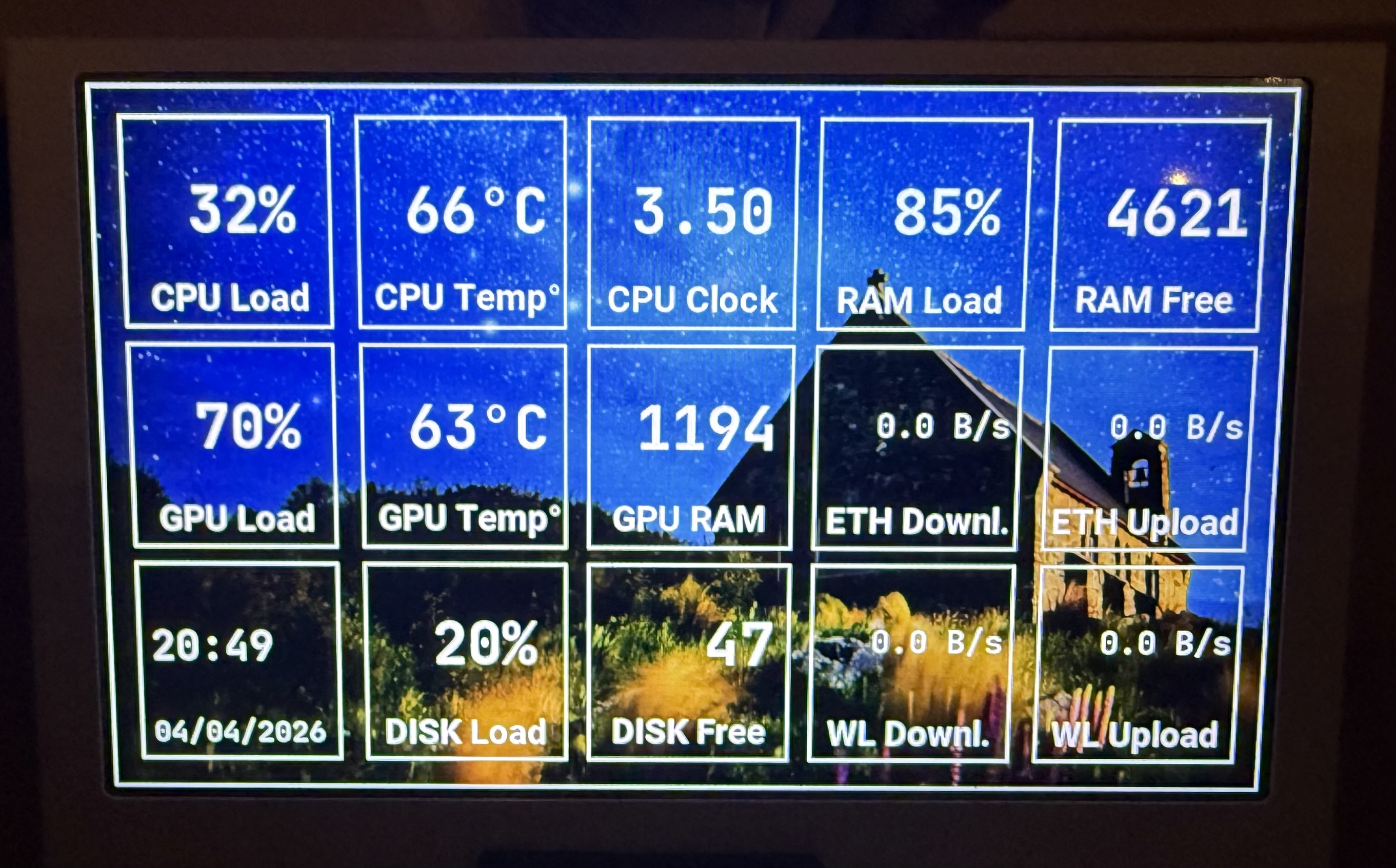
It worked. But the Python project was slow, the architecture made it hard to add what I actually wanted, it crashed every time my laptop went to sleep, and I was fighting the codebase more than building on it.
So I rewrote it in Go.
The Display Protocol
The Turing 5” Rev C communicates over serial at 115200 baud. Messages are padded to 250 bytes, then chunked into 249-byte packets. The display understands a handful of commands: set brightness, send bitmap data, partial refresh, sleep, wake.
func Pad(data []byte) []byte {
    if len(data) >= msgSize {
        return data[:msgSize]
    }
    padded := make([]byte, msgSize)
    copy(padded, data)
    return padded
}

func Chunk(data []byte) [][]byte {
    var chunks [][]byte
    for i := 0; i < len(data); i += chunkSize {
        end := i + chunkSize
        if end > len(data) {
            end = len(data)
        }
        chunks = append(chunks, data[i:end])
    }
    return chunks
}
Nothing clever. The protocol is simple. The hard part is everything around it.
First time I got pixels on screen:
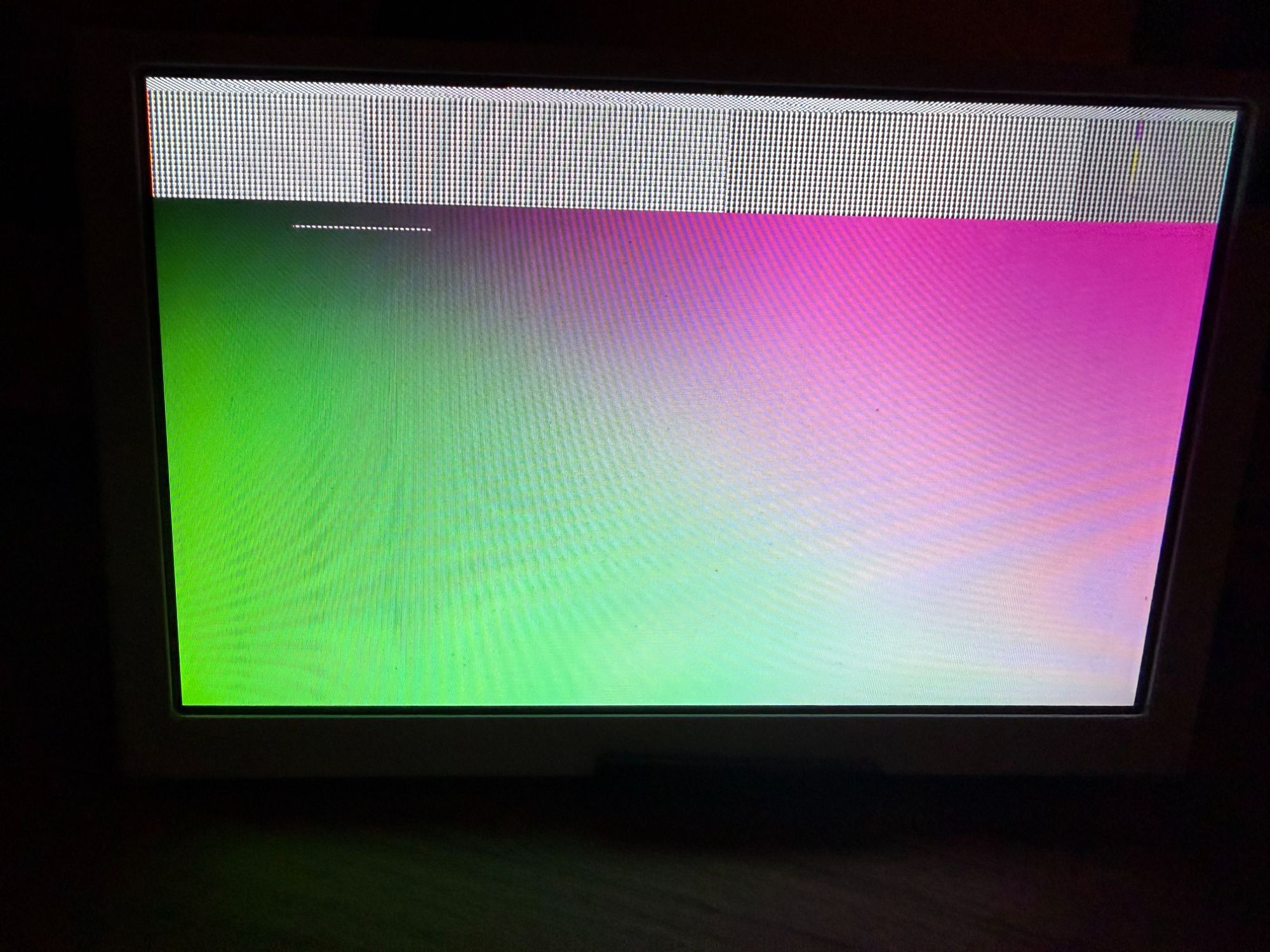
You know you’re close when you can see something.
Serial on macOS
The display appears as two USB serial ports. One for data, one that controls sleep/wake. Opening serial ports on macOS means termios configuration, O_NONBLOCK to avoid hanging on open, then setting baud rate, hardware flow control, and timeouts.
The Python project had intermittent hangs. I traced it to blocking reads with no timeout. Go’s approach is cleaner. Open non-blocking, set a 2-second read timeout via termios, and wrap writes in a deadline loop.
The wake recovery was the interesting problem. When a Mac sleeps, the display’s MCU goes unresponsive. On wake, you need to toggle the secondary serial port with a break signal to reset it, then re-run the handshake. The Python project handled this badly. I hooked into macOS power notifications via IOKit:
/*
#cgo LDFLAGS: -framework IOKit -framework CoreFoundation
#include <IOKit/pwr_mgt/IOPMLib.h>
// ... power callback that signals Go via a pipe
*/
import "C"
On sleep, the C callback blocks until Go finishes cleanup. On wake, it signals the engine to reinitialise. The display comes back within a second of opening the laptop lid.
Scenes and the Rendering Pipeline
The Python project renders everything in one big loop. I wanted something composable. Scenes are plugins:
type Scene interface {
    Init(width, height int) error
    Render(frame *image.RGBA) error
    Dirty() <-chan image.Rectangle
    Destroy()
}
Each scene owns a goroutine that ticks on its own schedule. The clock ticks every second. System stats every two seconds. Weather every five minutes. When something changes, the scene sends a dirty rectangle on its channel.
The engine listens, collects dirty rects, and only blits the changed region. Dirty rectangle detection compares consecutive frames using 8-byte chunks:
func DirtyRect(prev, next []byte, w, h int) (image.Rectangle, bool) {
    stride := w * 4
    for y := 0; y < h; y++ {
        row := y * stride
        for x := 0; x < stride; x += 8 {
            a := *(*uint64)(unsafe.Pointer(&prev[row+x]))
            b := *(*uint64)(unsafe.Pointer(&next[row+x]))
            if a != b {
                // found a difference, expand bounding box
            }
        }
    }
}
Comparing 8 bytes at a time instead of pixel-by-pixel. On a 480x800 display it doesn’t matter much. But it was satisfying to write.
What It Shows
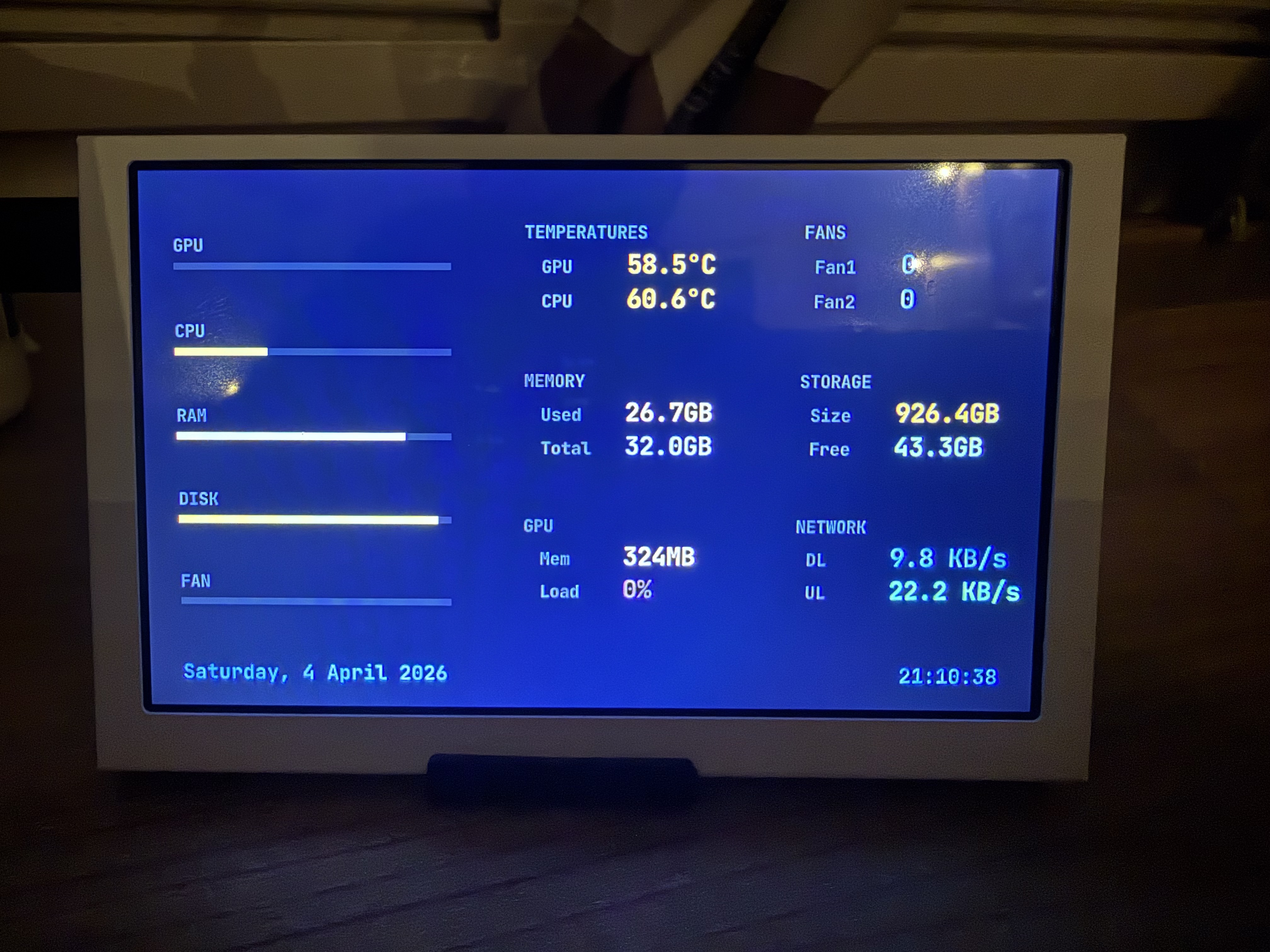
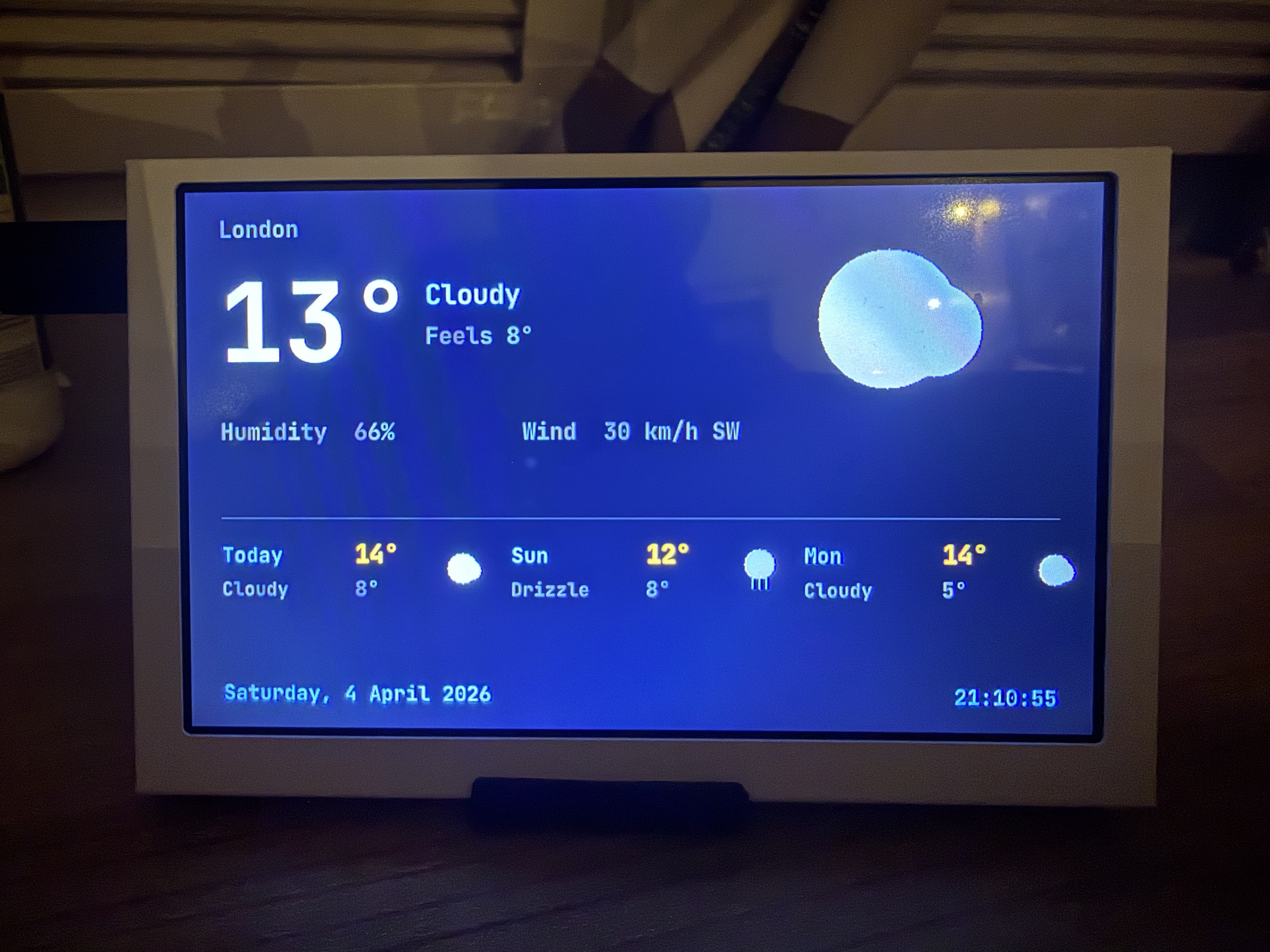
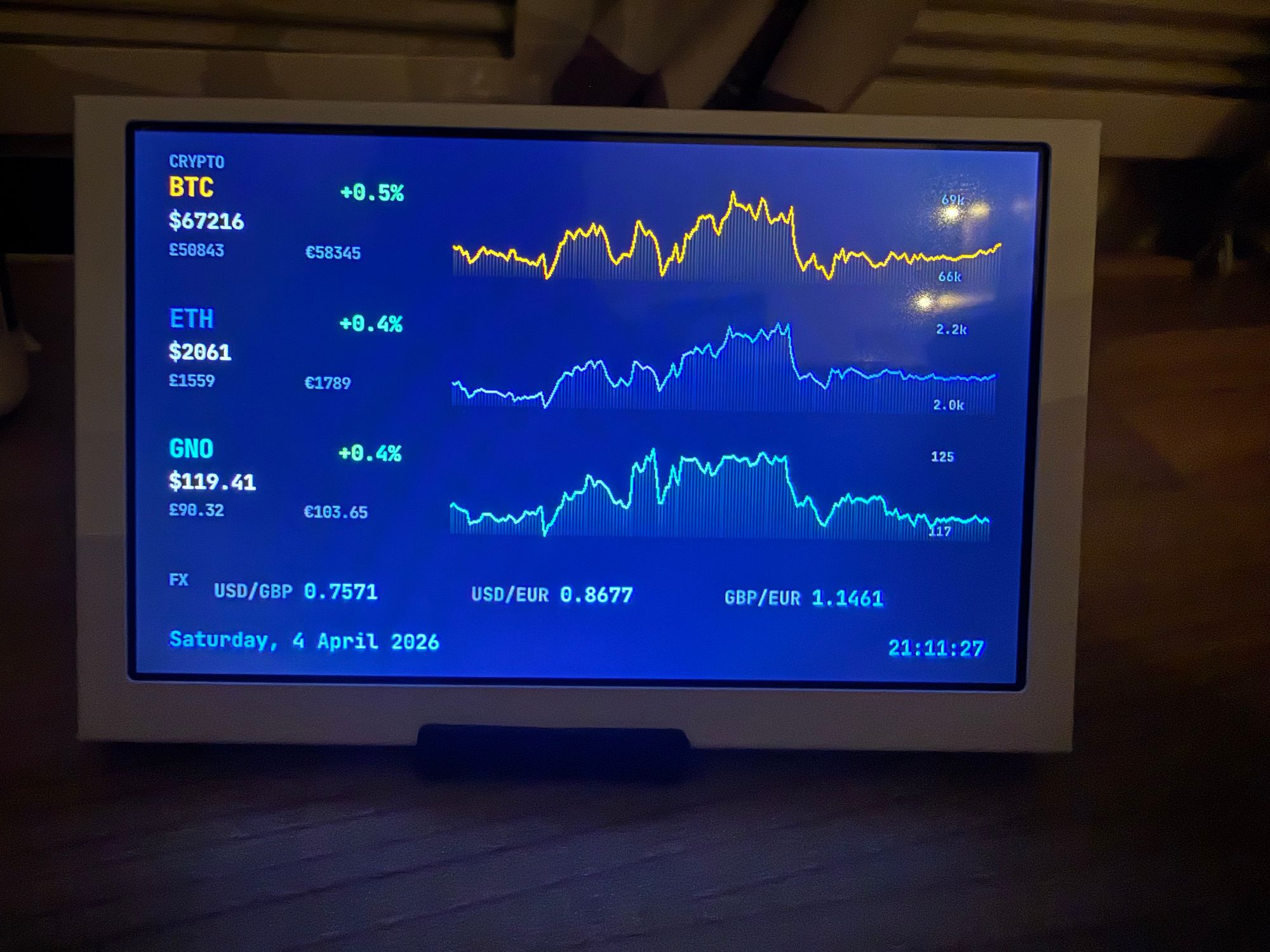
Five scenes rotating on a timer. All configurable via JSON. An IPC socket lets you switch scenes, adjust rotation timing, or force a refresh from the command line.
The Python vs Go of It
The Python project is a community effort with 40+ contributors, Windows/Linux/macOS support, theme editors, and PyInstaller packaging. It does a lot.
My Go version does less. It only runs on macOS. It only supports the 5” Rev C. It has no theme editor. But it starts in under 50ms, uses 12MB of memory, handles sleep/wake cleanly, and I can add a new data source in 20 minutes because the scene interface is six lines.
Sometimes the right move is to stop contributing to a general-purpose project and build exactly what you need.